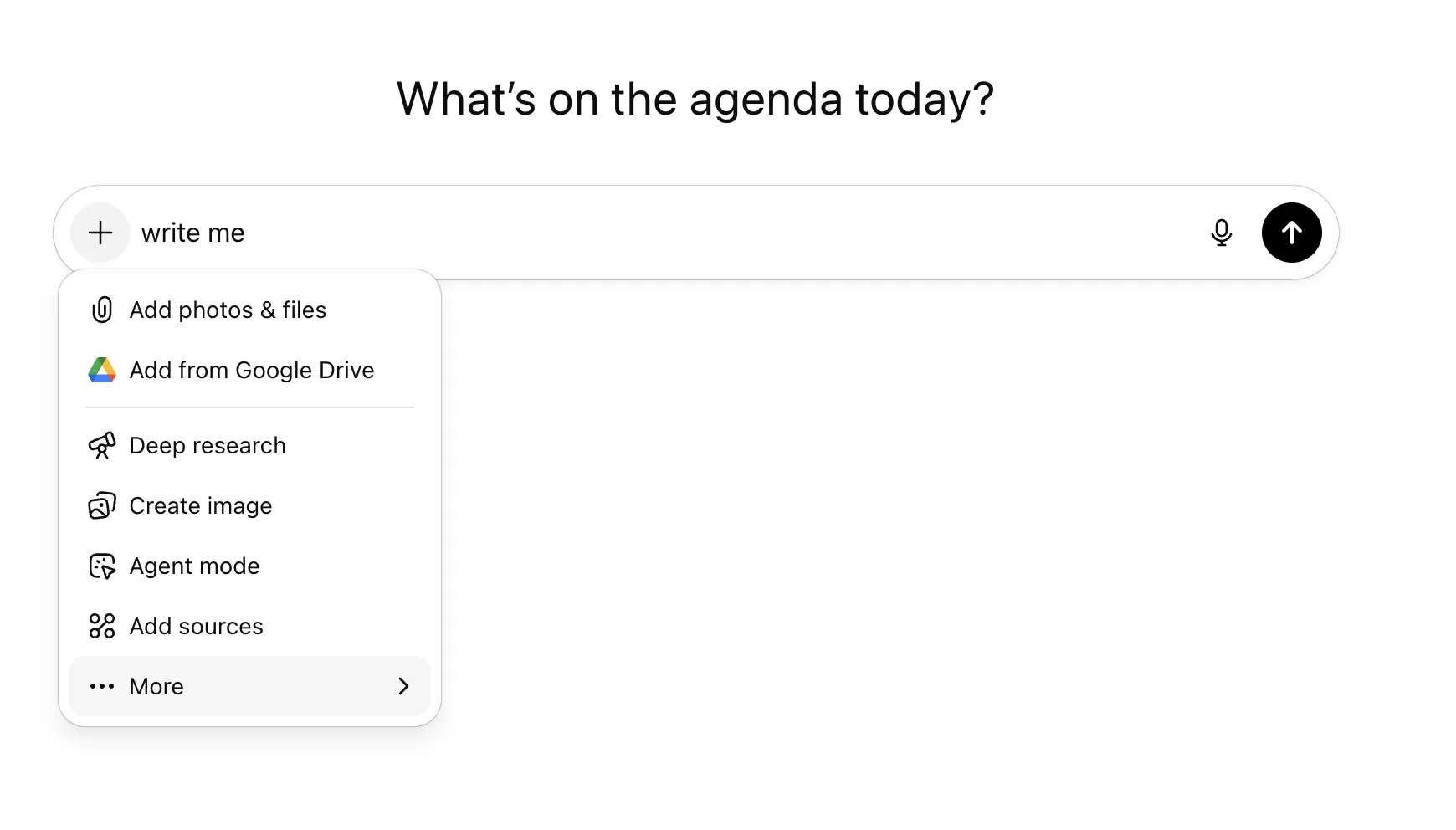
| Feature | Purpose | Example |
|---|---|---|
| Add photos and files | When you want to add more context | “Analyze these three files for common themes” |
| Add from Google Drive | As above | “Analyze these three files for common themes” |
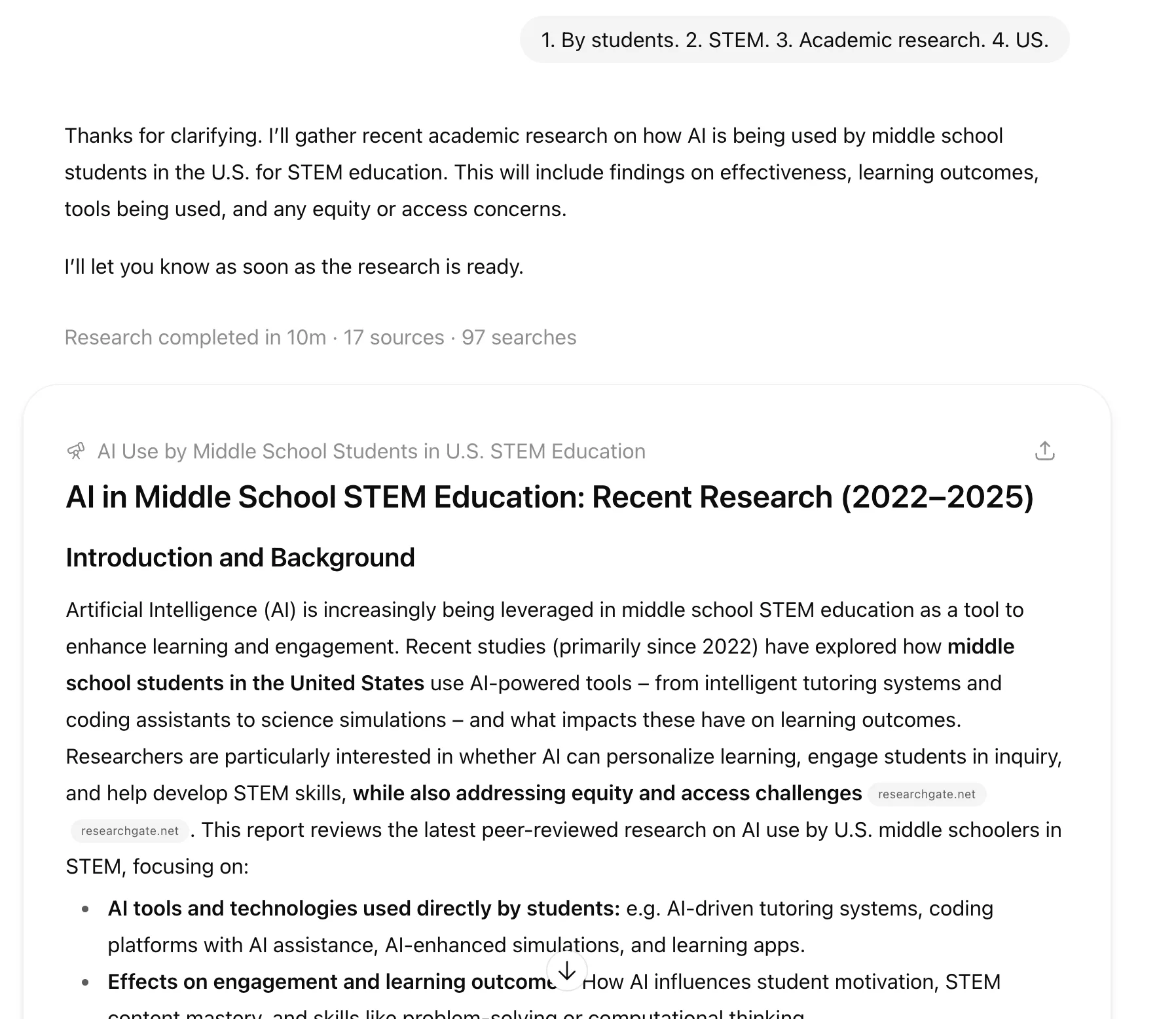
| Deep Research | When you want to include web search results (and can wait) | “Give me the most recent results of AI use at middle school level” |
| Create image | Generate an image from text | “Create an image of an AI professor” |
| Agent mode | Like “Deep Research”, but uses tools, autonomy | “Act as a research assistant. Find the most recent (2025) peer-reviewed studies on AI in middle school STEM education in the U.S. Summarize their findings, give DOIs, and extract common themes.” |
| Add sources | Apply ChatGPT to email, docs, file repositories etc (what about security?) | “Add my email as a source of information” |
| Learn mode | “Prompts” the user - Socratic method | |
| Web Search | Like “Deep Research” but faster, less “thinking” | “What’s the latest news?” |
| Canvas | Interactive Documents | “” |
“Create an image of an AI professor”

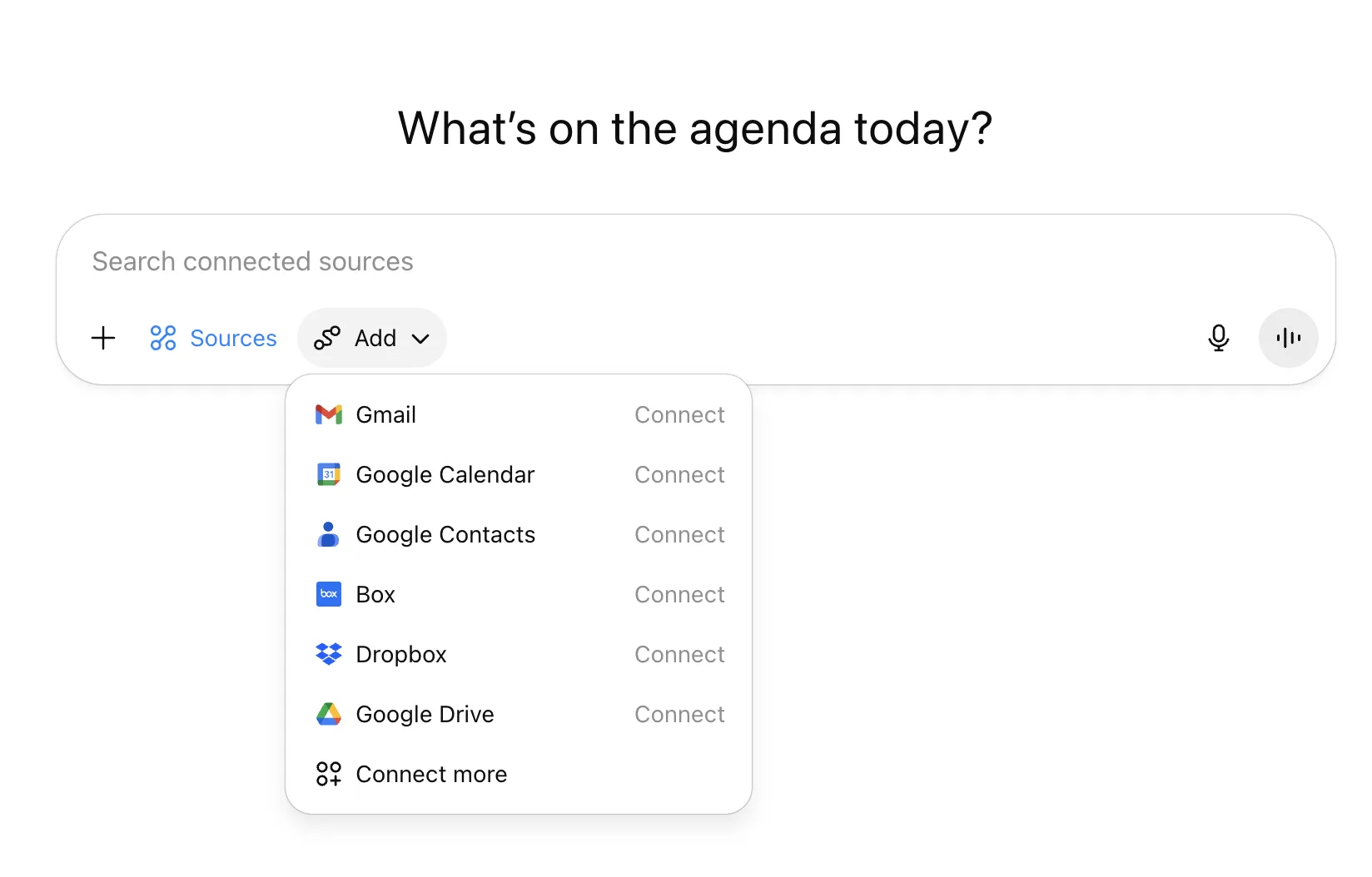
ChatGPT - AI in middle schools
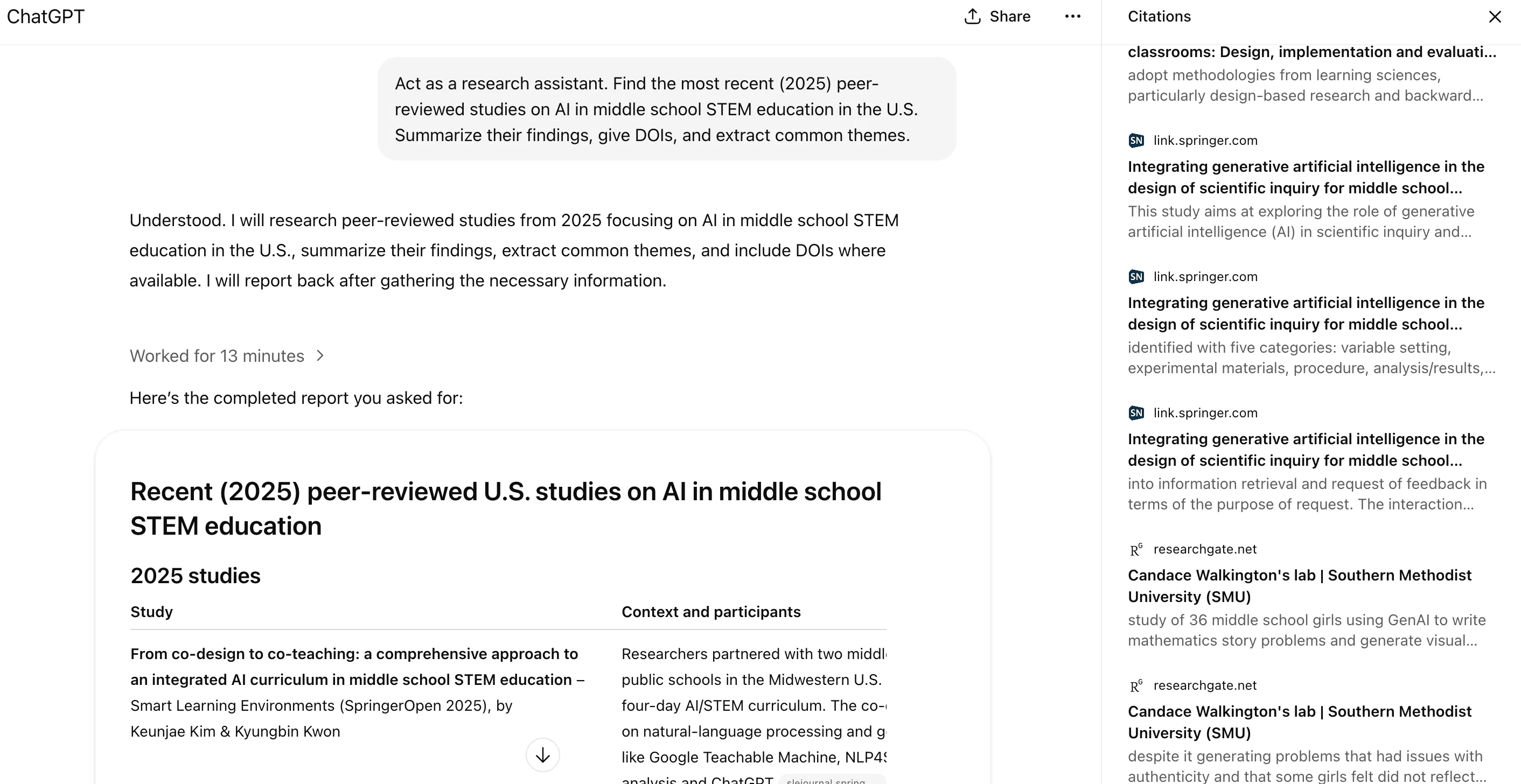
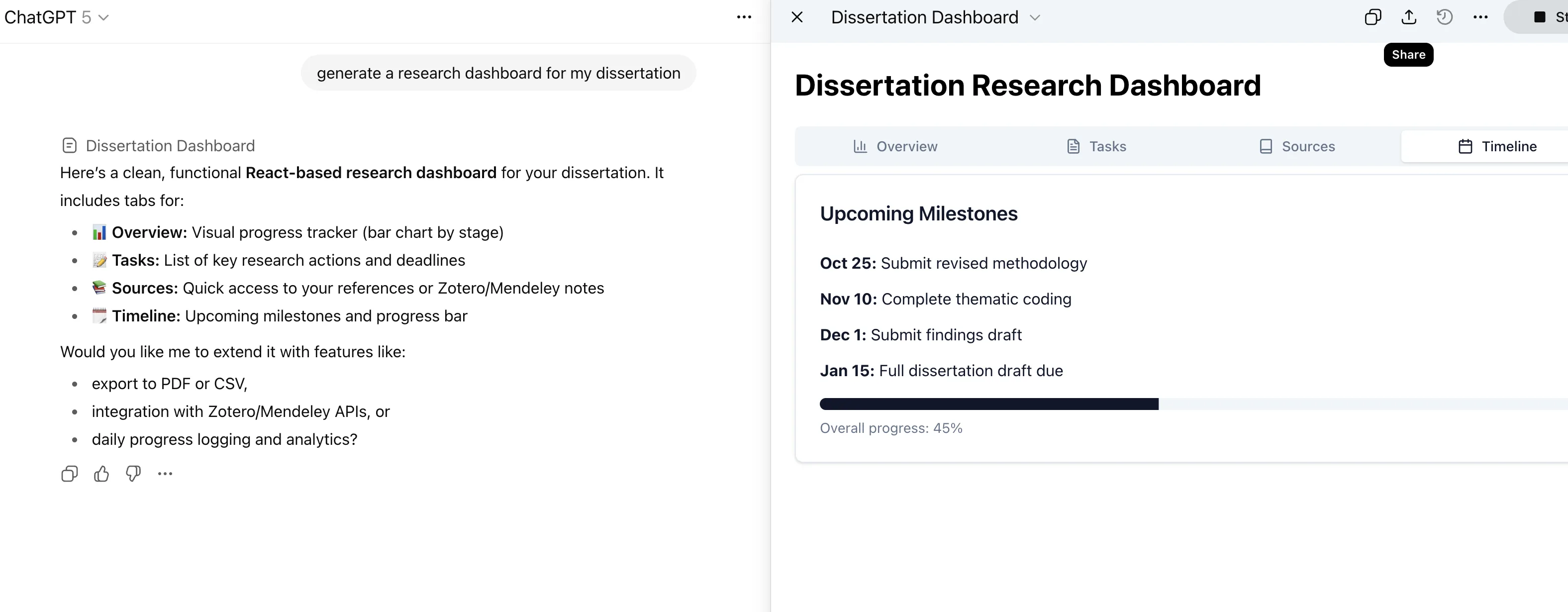
Your Own Private Dissertation Dashboard
ChatGPT - Dissertation Dashboard
Just use it!
Use Python to generate 100 random numbers between 0 and 1 and plot their histogram.
But no interactivity!
Interactive School Simulation | Claude | Claude
Gemini School Agent Simulation